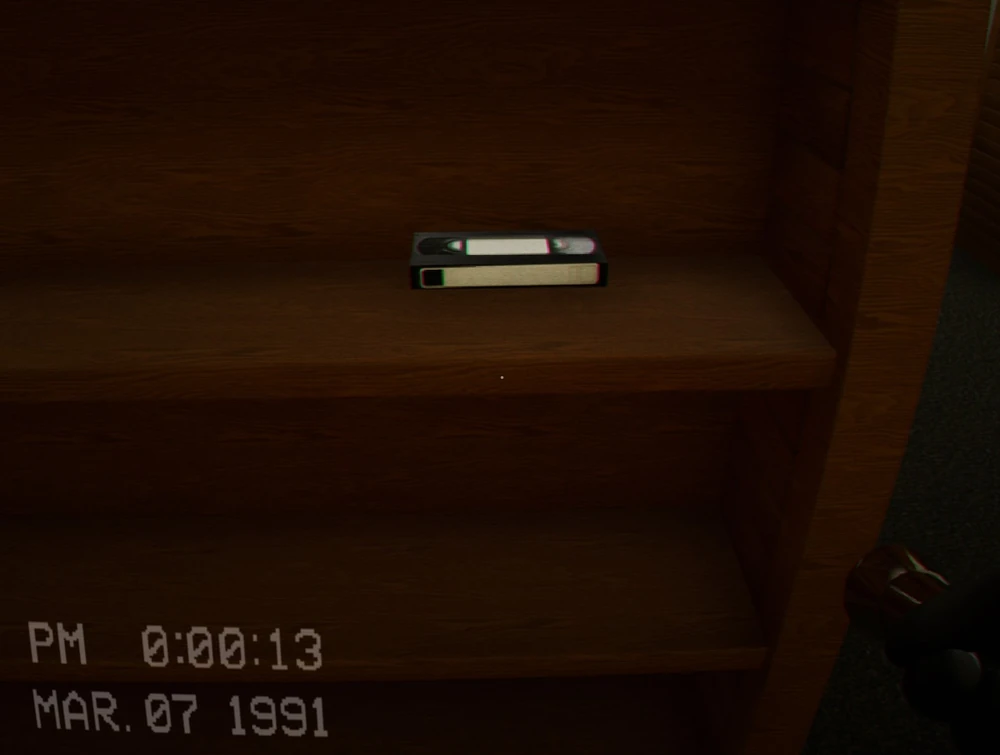
Collect the VHS tapes
Make sure this is actually the step you are on. If an item or prompt is missing, backtrack one room and check the inventory first.
Clear The End by counting the required tapes, searching the library in complete zones, using fire alarms and tables against the Scratcher, and returning to the computer for the current Level 94 exit.
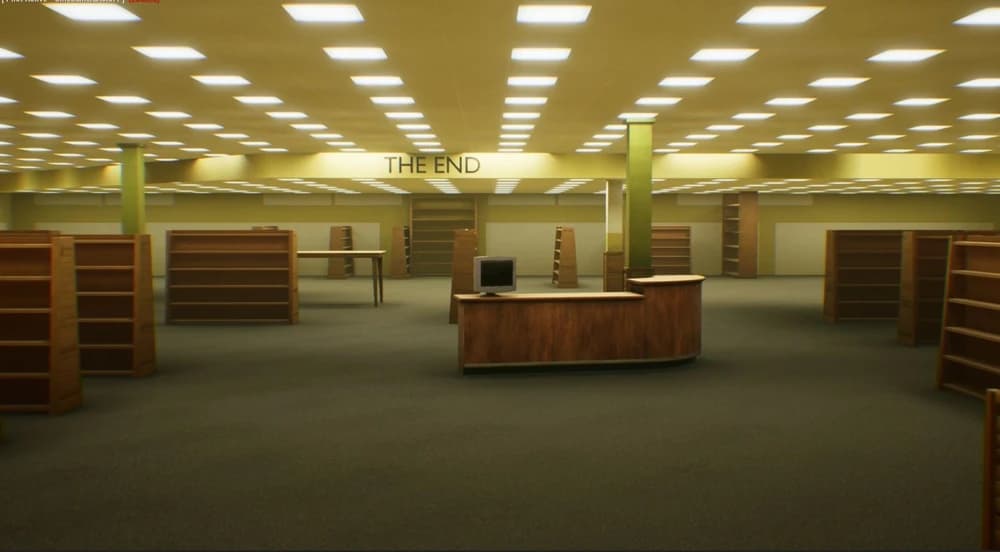
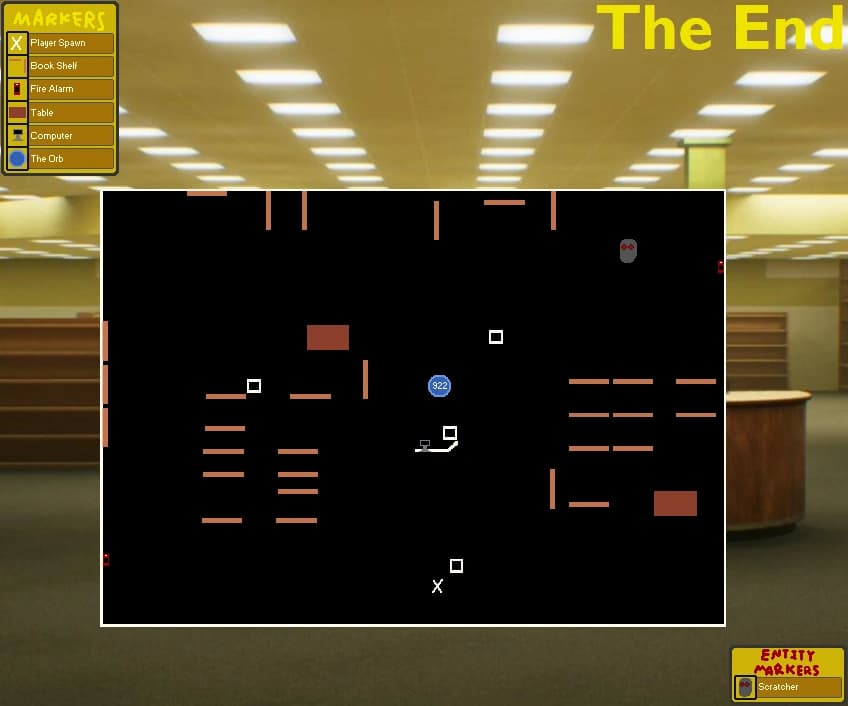
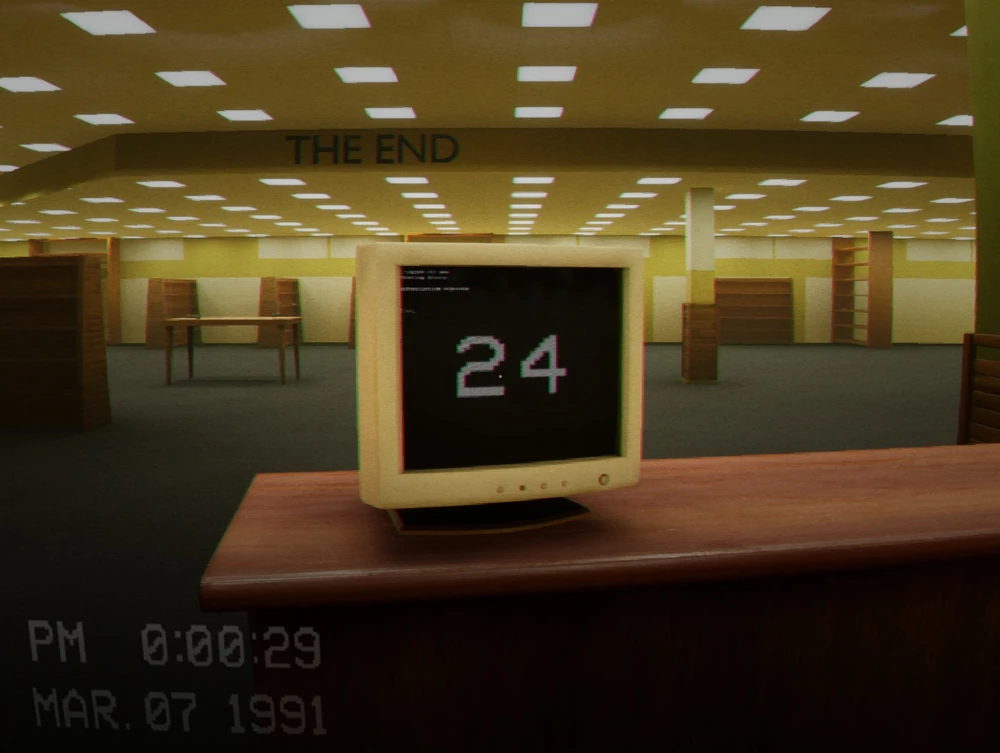
The computer displays the target for the current lobby: 24 tapes solo, 32 with two players, and 48 with three or four. We say the number out loud before splitting because the shelves do not tell you which teammate is still working from the solo count. The computer is also the final objective; collecting the last tape does not open the route until somebody returns and interacts with it. For a visual reference to this route, see Escape the Backrooms: The End Map.
Pick a side wall, clear every shelf in that zone, then move to the back and opposite side. A half-cleared aisle is hard to recognise after the lights change, so we avoid grabbing one visible tape and immediately crossing the centre for another. The coloured spawn reference on the related map is a search priority drawn from observed runs, not a promise that a tape will occupy every marked point.
The Scratcher cannot rely on sight, but it reacts strongly to sound and patrols between the shelf lanes. Its shushing noise is the early warning. Stop sprinting before it reaches the aisle, let it pass, and resume from the last fully cleared shelf instead of improvising a new route.
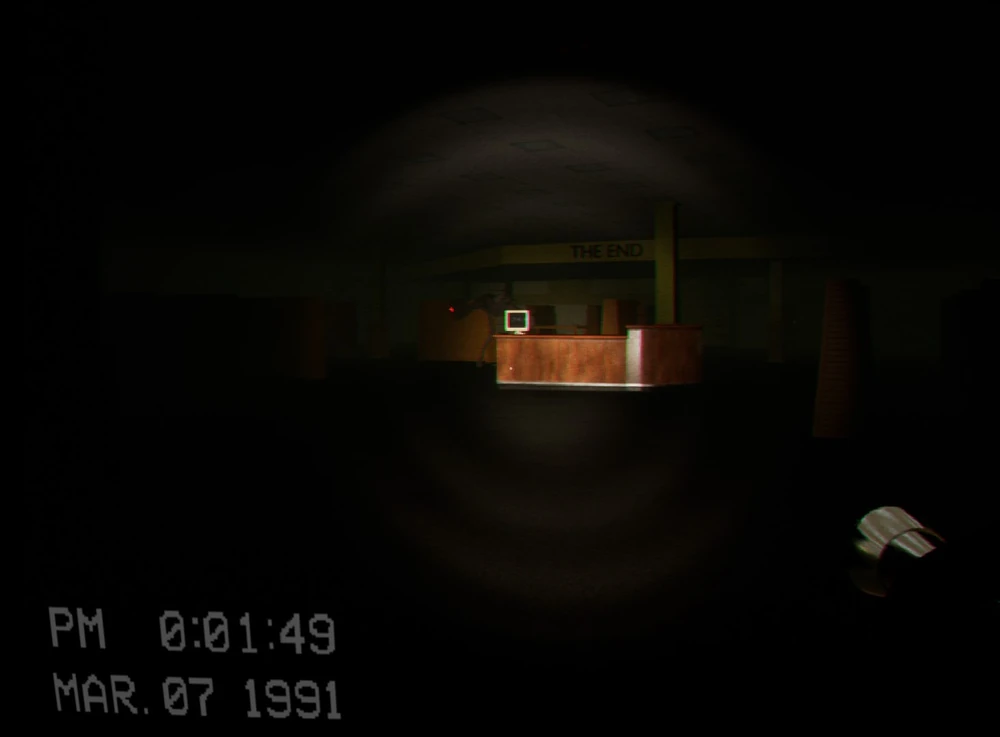
The blackout makes unfinished shelf work much harder to identify. Keep a flashlight available, finish the aisle already in front of you, and regroup at a table or the centre computer rather than sending everyone into a different dark lane. If the Scratcher is close, hiding safely is faster than losing the tape count to a restart.
After the required tapes are collected, return to the centre computer and turn it on. The unlocked door leads into the damaged rear room; climb its ladder and enter the vent to reach Level 94. The Orb shown in old routes was removed from this progression, so do not wait beside the computer for a portal animation.
We use this as the quick “don’t make the same mistake twice” checklist. If your room, spawn, or prompt does not match the video, stop and check the normal route first—patches and co-op timing can make an old shortcut look tempting when it simply will not work.
Make sure this is actually the step you are on. If an item or prompt is missing, backtrack one room and check the inventory first.
Look around slowly before guessing. Props can hide chairs, switches, notes, and pickups; a second camera angle is usually faster than brute force.
Call out what was pressed, collected, or opened. It prevents the classic “we all thought somebody did it” reset.
If a skip behaves inconsistently, leave it and take the intended route. A clean run beats getting stuck in geometry.
At The End, let one player read the terminal or tape clue while another watches the route back. Call every completed objective out loud so the team does not lose track of the final requirement.
What each entity does on this route, and the move that keeps the encounter under control.
One Scratcher patrols while tapes are collected. Fire alarms distract it, and it stops being the active threat after the computer sequence is completed.
Choose the next tape aisle first, pull an alarm, collect during the distraction, and return to one of the two hiding tables.